
AI after-hours answering service for small businesses
LobbyStack answers your business phone at night, on weekends, and on holidays. It books routine jobs into your calendar and transfers emergencies to your on-call number. In the morning, you'll find a summary of every call in the dashboard.
No credit card required. Works with your existing business number.
One night of calls to Harbor Plumbing & Heating
- 6:12 p.m.
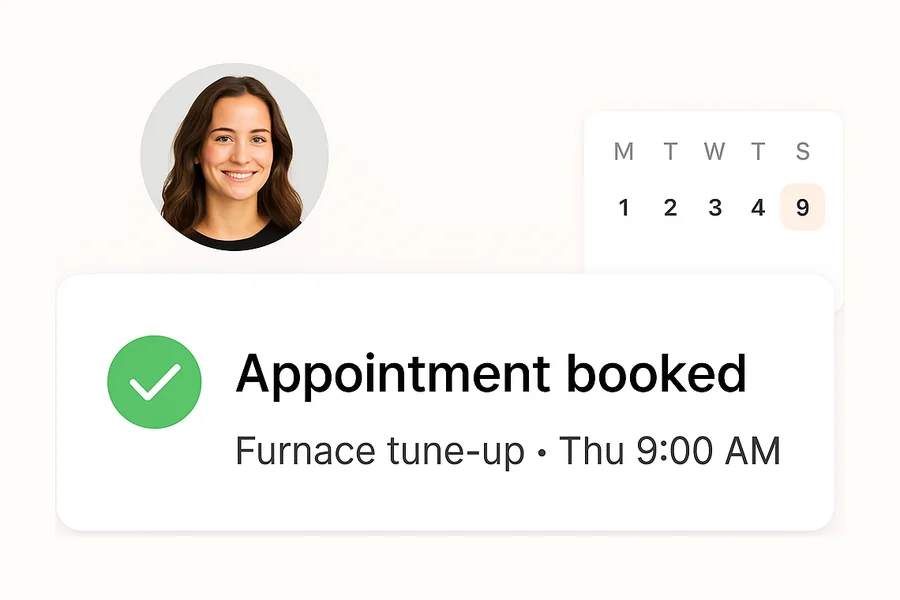
Furnace tune-up
- 8:25 p.m.
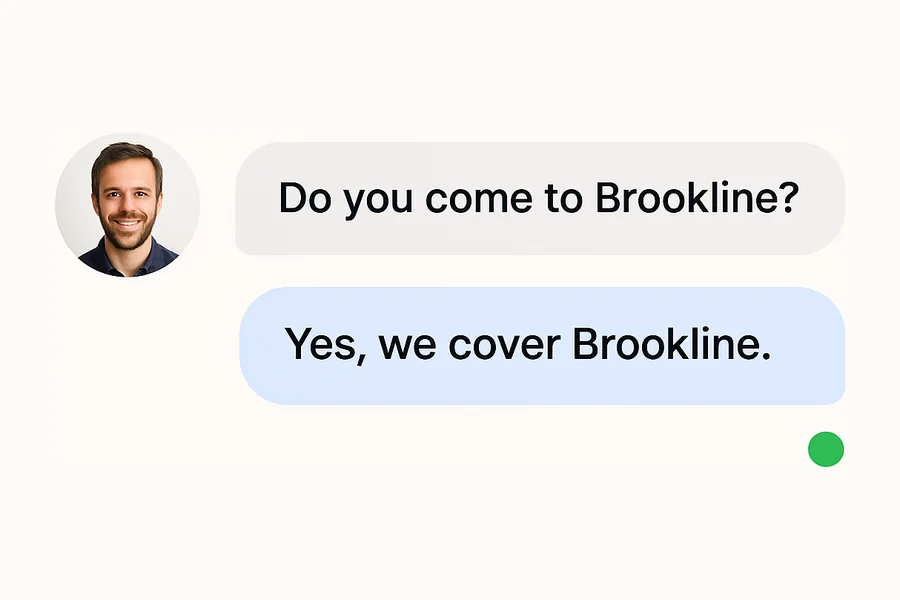
Do you come to Brookline?
- 10:40 p.m.
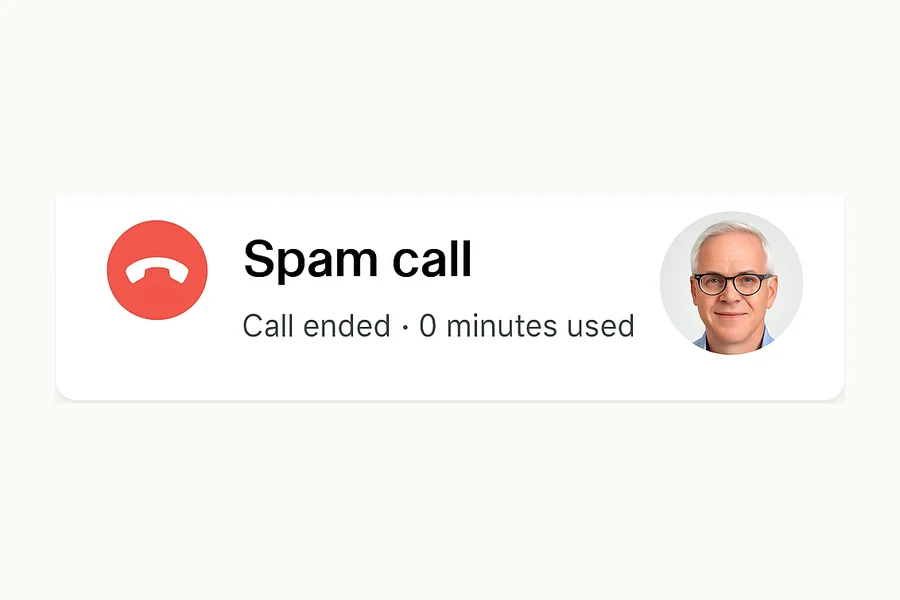
Spam call
- 1:18 a.m.
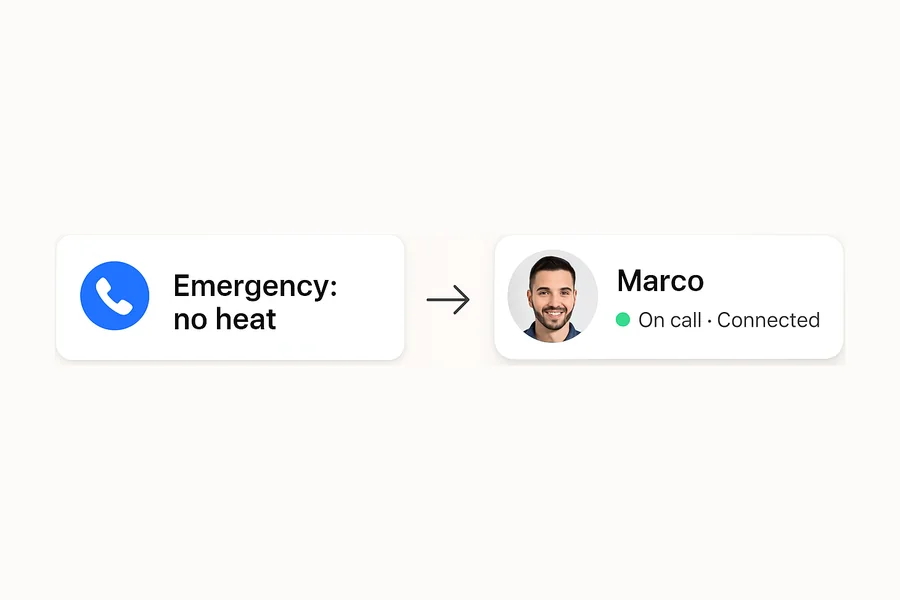
No heat, baby in the house
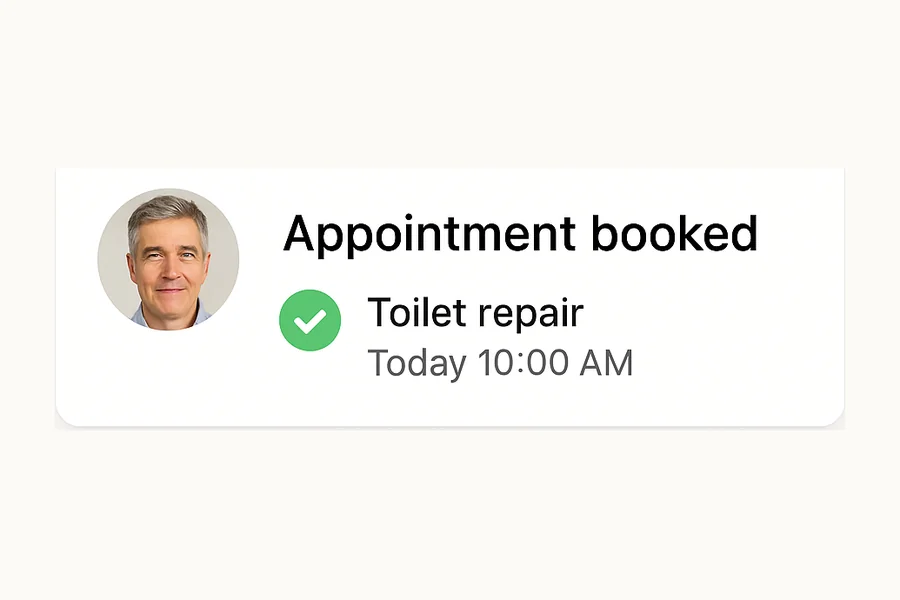
- 4:05 a.m.
Toilet running all night
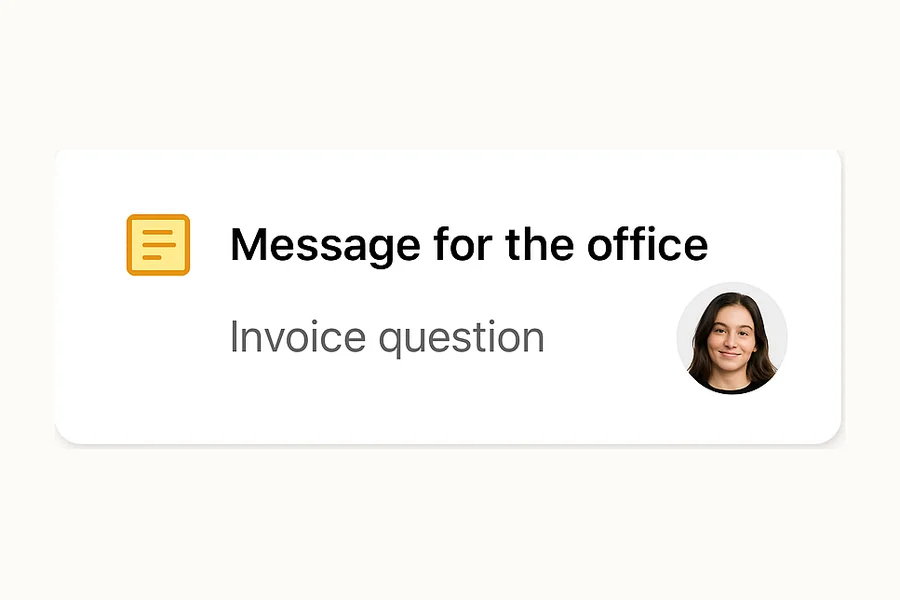
- 7:30 a.m.
Question about an invoice
Answers nights, weekends, and holidays on your current number
Transfers emergencies to your on-call phone
Free plan with 30 minutes, then $30 a month for 150
What happens to each after-hours call
You decide what LobbyStack does with each kind of call. Here's a typical after-hours setup.
| The call | LobbyStack | What happens |
|---|---|---|
| An emergency your rules define, like no heat or an active leak | Transfers | Collects the address and the problem, then connects your on-call number |
| A new customer who wants an appointment | Books | Offers open times from your Google Calendar and texts the caller a confirmation |
| A customer who needs to reschedule | Books | Looks up the appointment, checks the caller, and moves it |
| A question about hours, prices, or your service area | Answers | Replies from the business details you entered |
| A billing question or a request for a specific person | Takes a message | Writes it up for your team to handle in the morning |
| A robocall or sales pitch | Ends the call | Hangs up, and the call doesn't count toward your minutes |
Choose when LobbyStack answers
You keep your business number. Pick one of these setups with your phone provider, and change it whenever you want, including for holidays.
After hours
Your team answers while you're open. LobbyStack takes over when you close.
- A call comes in at 7:40 p.m.
- Your office is closed
- LobbyStack answers
Phone setting: Turn on call forwarding when you close
Overflow
Your phone rings first. LobbyStack only picks up the calls your team misses.
- A call comes in at 2:15 p.m.
- Your line is busy or nobody answers
- LobbyStack picks up
Phone setting: Forward calls when busy or unanswered
Every call
LobbyStack answers first and sends your team only the calls that need a person.
- A call comes in
- LobbyStack answers
- Urgent calls go to your team
Phone setting: Forward all calls
Emergencies reach your on-call phone
You write what counts as urgent: no heat below a set temperature, water that won't stop, a tenant locked out. LobbyStack asks the questions your rule needs, then transfers the call to your on-call number. The address and problem it collected stay in the call's transcript. Anything that can wait gets a summary in your dashboard for the morning.
- Transfers to the on-call number you set
- Can share your safety steps, like where to shut off the water
- If a transfer doesn't connect, offers to take a message and can alert your team
Routine callers book their own appointments
When a caller wants a quote or a regular visit, LobbyStack offers open times from your Google Calendar and books the one they pick. The caller gets a text confirmation, and you see the booking when you open your calendar.
- Books into Google Calendar during the call
- Moves or cancels appointments after checking who's calling
- Answers hours, service area, and pricing questions from your details
You start the morning with every call written up
Each call gets a summary, a transcript, and a recording in the dashboard, so you can see who called overnight and what they need before you return a single call. LobbyStack hangs up on spam, and those calls don't use your minutes.
- A summary with the caller's name, number, and reason for calling
- The recording and full transcript of each call
- No minutes used for spam or calls under 10 seconds
What an after-hours answering service costs
Live answering services usually bill per minute or per call, and some add setup or holiday fees. LobbyStack charges a flat monthly plan with minutes included, and nights, weekends, and holidays cost the same as any other hour.
Example
You get 40 after-hours calls a month and each one lasts about 3 minutes. That's 120 minutes, which fits in Starter for $30. Spam calls and calls under 10 seconds don't count.
| Plan | Price | Minutes included | Extra minutes |
|---|---|---|---|
| Free | $0 | 30 | None |
| Starter | $30 a month | 150 | $0.20 a minute |
| Pro | $100 a month | 500 | $0.18 a minute |
Free includes a US or Canadian number for 14 days, so you can test LobbyStack on forwarded calls. Starter and Pro keep a dedicated number, and annual billing costs $288 or $960 a year.
Set up LobbyStack in three steps
- Step 1
Forward your number
Keep the number your customers know. Forward every call, or only after-hours and overflow calls, to LobbyStack.
- Step 2
Write your rules
Describe in plain language what counts as an after-hours emergency, which jobs to book, and which prices callers can hear. Then add the one number that urgent calls transfer to.
- Step 3
Place a test call
Call your own line, try an emergency and a routine request, and adjust the rules before a customer calls.
AI and live after-hours answering services compared
A live answering service puts an operator on the line. LobbyStack answers with AI and hands calls to your team when your rules say so.
| Topic | LobbyStack | Live answering service |
|---|---|---|
| Calls at the same time | Plans don't limit how many it answers at once | Depends on how many operators are on shift |
| Booking | Books into Google Calendar during the call | Varies by service, often a message for you to return |
| Emergencies | Follows rules you write and transfers to your on-call number | Follows a script you provide |
| Call records | Transcript, recording, and summary for each call | Message notes, which vary by service |
| Pricing | Free plan, then $30 or $100 a month with included minutes | Usually billed per minute or per call |
| Calls that need a person | Transfers them to your team | An operator handles them |
After-hours answering by industry
See how LobbyStack handles night and weekend calls in your line of work.
- HVACNo-heat and no-cooling calls at night
- PlumbingLeaks and sewer backups after you close
- Property managementTenant maintenance requests overnight
- Dental officesPatients in pain on a weekend
- ContractorsJob-site problems after the crew leaves
- RoofingLeak calls during a storm
- LocksmithsLockouts at 2 a.m.
- RestorationFlooding and fire calls at any hour
Questions about AI after-hours answering
What is an AI after-hours answering service?
An AI after-hours answering service picks up business calls outside your normal operating hours, answers questions, books appointments, captures caller details, and transfers urgent calls to your on-call number. It works nights, weekends, holidays, and any time your team is unavailable.
Can it actually book appointments after hours?
Yes. LobbyStack checks your calendar availability, offers open time slots to the caller, books the appointment, and sends a confirmation text. Your team sees the booking details the next morning.
How does it know what counts as urgent?
You define the rules. LobbyStack can ask about the caller's situation, check keywords like emergency, urgent, or broken, and transfer the call to your on-call person. Everything else gets summarized for morning review.
Will it wake up my on-call staff?
Only when you want it to. You set the criteria for transfers and alerts. Routine messages, quote requests, and appointment bookings are summarized for morning. Calls that match your emergency rules get transferred during the call.
Can it work with my existing business phone number?
Yes. Forward calls from your current business number to LobbyStack after hours, or use a dedicated line. Callers never know the difference. They just reach someone who can help.
What industries benefit most from after-hours answering?
Any business that receives calls outside standard hours: home services, dental practices, medical clinics, salons, repair shops, property managers, law firms, and professional offices. If your customers call evenings and weekends, after-hours coverage prevents lost opportunities.
How is this different from a voicemail?
Voicemail asks callers to leave a message and wait. Most people hang up. LobbyStack answers the call, asks questions, captures details, and books appointments. The caller gets help immediately, and your team finds a summary and transcript in the dashboard.
Is it cheaper than a human answering service?
The total depends on call volume, handling time, setup, and the amount of human service included. Compare LobbyStack's published voice-minute pricing with each answering service's per-call, per-minute, staffing, and overage charges.
Can I review what happened on after-hours calls?
Yes. Every call generates a summary, transcript, recording, and booking details. You review them in the LobbyStack dashboard, and your team gets an email or text alert when the receptionist takes a message. Nothing gets lost overnight.
How much does after-hours answering cost?
LobbyStack's free plan includes voice minutes to test after-hours coverage. Paid plans scale with usage. See the pricing page for current minute allowances, SMS rates, and overage costs.
Stop sending night calls to voicemail
Set your emergency rules, forward your number when you close, and place a test call tonight. The free plan includes 30 minutes.
No credit card required. Cancel anytime.