
Plumbing answering service that handles the midnight burst pipe
A caller with water coming through the ceiling needs two things: someone to tell them where the main shutoff is, and a plumber on the way. LobbyStack can share the shutoff steps you write and transfers the call to your on-call plumber. It books the drain and water heater jobs into your calendar.
No credit card required. Works with your existing business number.
Example call to Northside Plumbing
Tuesday, 11:42 p.m. A homeowner calls about a leak.
- 0:00
LobbyStack
Thanks for calling Northside Plumbing. What's going on?
- 0:04
Caller
There's water coming through my kitchen ceiling. I think a pipe burst upstairs.
- 0:09
LobbyStack
Let's stop the water first. Your main shutoff is usually near the water meter or where the line enters the house. Can you get to it?
Reads your shutoff instructions
- 0:21
Caller
It's in the basement. Okay, it's off now.
- 0:24
LobbyStack
Good. What's the address, and is the water near any outlets or light fixtures?
Collects the address and safety details
- 0:36
Caller
418 Maple Street. No, it's away from the lights.
- 0:39
LobbyStack
This counts as an emergency, so I'm connecting you to our on-call plumber now.
Matches your emergency rule and transfers
Can share your shutoff instructions with callers who have an active leak
Quotes the prices you set for drain cleaning, dispatch, and after-hours visits
Transfers burst pipes and sewage backups to your on-call plumber
What happens to each plumbing call
You decide what LobbyStack does with each kind of call. A typical setup for a plumbing business looks like this.
| When a caller has | LobbyStack | What happens |
|---|---|---|
| Burst pipe or active leak | Transfers | Connects your on-call plumber and can share your shutoff steps |
| Sewage backup | Transfers | Asks which fixtures are backing up, then connects your on-call plumber |
| Clogged drain | Books | Offers the next open slot and quotes your starting price if you set one |
| Water heater replacement | Books | Schedules an estimate visit instead of guessing a price |
| Service area or hours question | Answers | Replies from the details you entered |
| Robocall or sales pitch | Ends the call | Hangs up, and the call doesn't count toward your minutes |
Give panicked callers something to do while help is coming
You load your own instructions into LobbyStack: where to find the main shutoff, when to turn off the water heater, and what to do if they smell gas. The assistant can share those steps with the caller. It collects the address and transfers the call to your on-call number. Place a test call to hear how it handles one.
- Uses the safety steps you approve
- Saves the address and problem in the call's transcript, then transfers the call
Answer the price question before the caller hangs up
Plenty of callers want a number before they book. Give LobbyStack yours, such as a starting price for drain cleaning or a flat after-hours dispatch fee, and it quotes them. For repipes, sewer lines, and water heater replacements, it books an estimate visit instead of guessing.
- Quotes exact prices, starting prices, or ranges you set
- Books estimate visits for large jobs
Separate the sewage backup from the dripping faucet
You decide which problems count as urgent: active leaks, sewage, no water at all. LobbyStack asks the follow-up questions a dispatcher would ask. Is water still running? Is it clean or sewage? Which floor? Urgent calls ring your on-call phone, and the faucet gets Tuesday's first open slot.
- Asks whether water is still running and whether it is clean or sewage
- Routes urgent calls to your on-call phone
- Books routine repairs into your next open slot
What after-hours coverage costs
At 3 minutes per call, the Free plan's 30 voice minutes cover about 10 calls, enough to test LobbyStack on your after-hours line. Starter covers about 50 calls for $30 a month. Past that, Starter charges $0.20 per extra minute, so one more 3-minute call costs $0.60.
- Spam calls and calls under 10 seconds don't count toward usage
- Switch plans as your call volume changes
What LobbyStack asks plumbing callers
You choose the questions. These are the ones plumbing businesses start with, and every answer lands in the call transcript.
- What's leaking or backed up, and where in the house
- Whether water is still running, and if it's clean or sewage
- Whether the main water valve is off
- The address and property type: house, condo, or commercial
- The best callback number
- When someone will be home for a visit
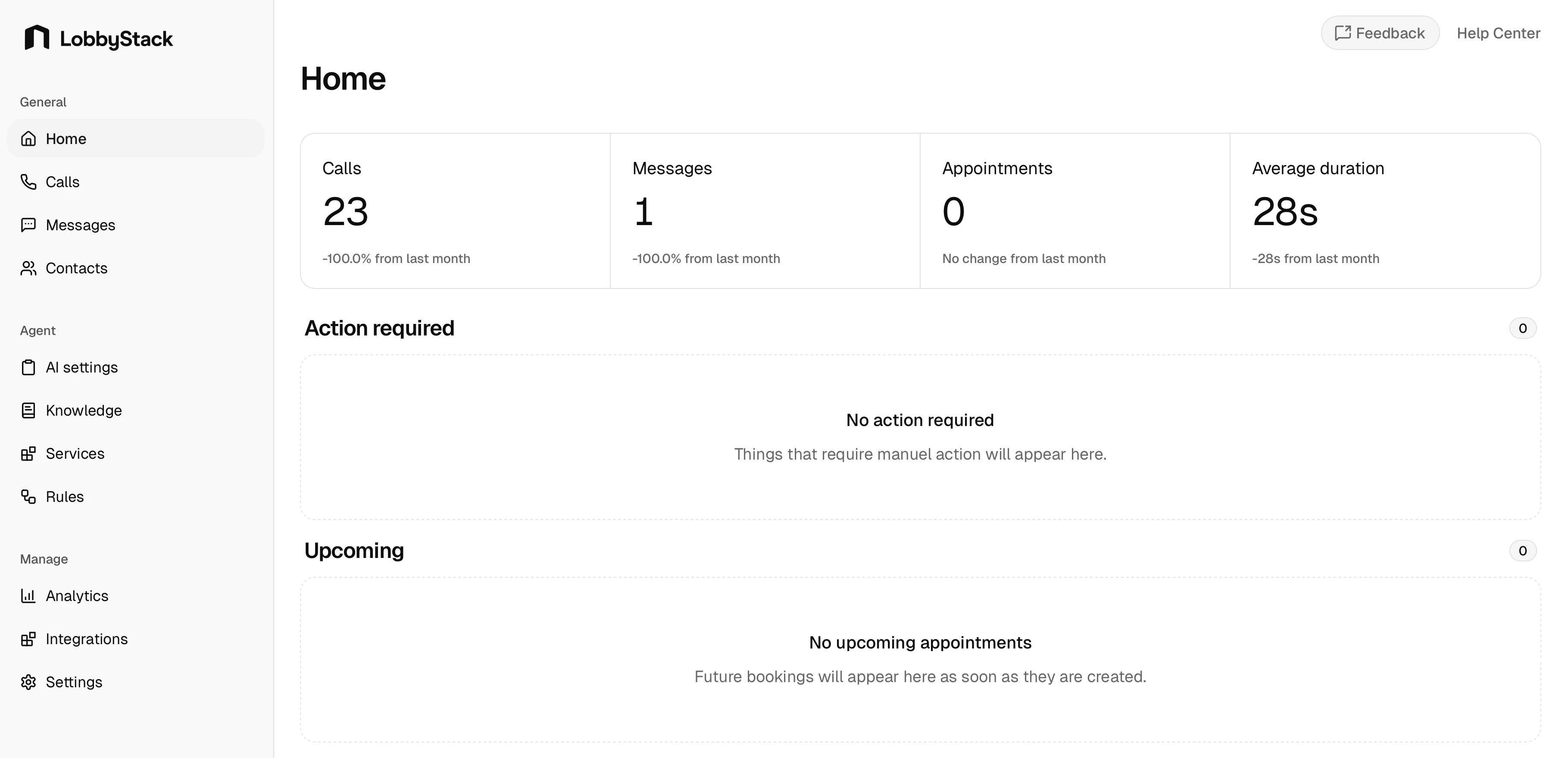
Set up LobbyStack in three steps
- Step 1
Forward your number
Keep the number your customers know. Forward every call, or only after-hours and overflow calls, to LobbyStack.
- Step 2
Write your rules
Describe in plain language what counts as a plumbing emergency, which jobs to book, and which prices callers can hear. Then add the one number that urgent calls transfer to.
- Step 3
Place a test call
Call your own line, try an emergency and a routine request, and adjust the rules before a customer calls.
AI and live plumbing answering services compared
A live answering service puts an operator on the line. LobbyStack answers with AI and hands calls to your team when your rules say so.
| Topic | LobbyStack | Live answering service |
|---|---|---|
| Calls at the same time | Plans don't limit how many it answers at once | Depends on how many operators are on shift |
| Booking | Books into Google Calendar during the call | Varies by service, often a message for you to return |
| Emergencies | Follows rules you write and transfers to your on-call number | Follows a script you provide |
| Call records | Transcript, recording, and summary for each call | Message notes, which vary by service |
| Pricing | Free plan, then $30 or $100 a month with included minutes | Usually billed per minute or per call |
| Calls that need a person | Transfers them to your team | An operator handles them |
Questions about AI receptionists for plumbers
Can it tell a caller how to shut off their water?
Yes. Add your shutoff instructions to LobbyStack's knowledge base, and LobbyStack can share them when a caller reports an active leak. It transfers the call or books the visit according to your rules. Place a test call to hear how it handles one.
What happens if a caller smells gas?
You write the policy. A common one tells callers to leave the building and call the gas utility's emergency line. LobbyStack can share your script with the caller, and it transfers the call or takes a message under your rules.
Can it quote drain cleaning or a service call fee?
Yes, if you give it the numbers. LobbyStack can quote an exact price, a starting price, or a range. You choose which services it quotes and which ones need an estimate visit.
Will it book water heater replacements?
It books the estimate or site visit. You decide whether it quotes a starting price for installs or hands the caller to your office.
Does it work with my existing business number?
Yes. Forward your current number to LobbyStack, or give it a separate line for after-hours and overflow calls.
How is an AI answering service different from a live plumbing answering service?
A live service puts a human operator on the line, who usually reads a script and takes a message. LobbyStack answers with AI, so it takes several calls at once, books jobs into your calendar during the call, and quotes the prices you set. You can still transfer any call to someone on your team.
How much does it cost for a plumbing business?
The Free plan includes 30 voice minutes. Starter is $30 a month for 150 minutes, and Pro is $100 a month for 500 minutes. Spam calls and calls under 10 seconds don't count toward usage.
Cover tonight's on-call shift
Start on the Free plan, load your shutoff instructions, and forward your after-hours line when you're ready.
No credit card required. Cancel anytime.