
How much can an AI receptionist save you?
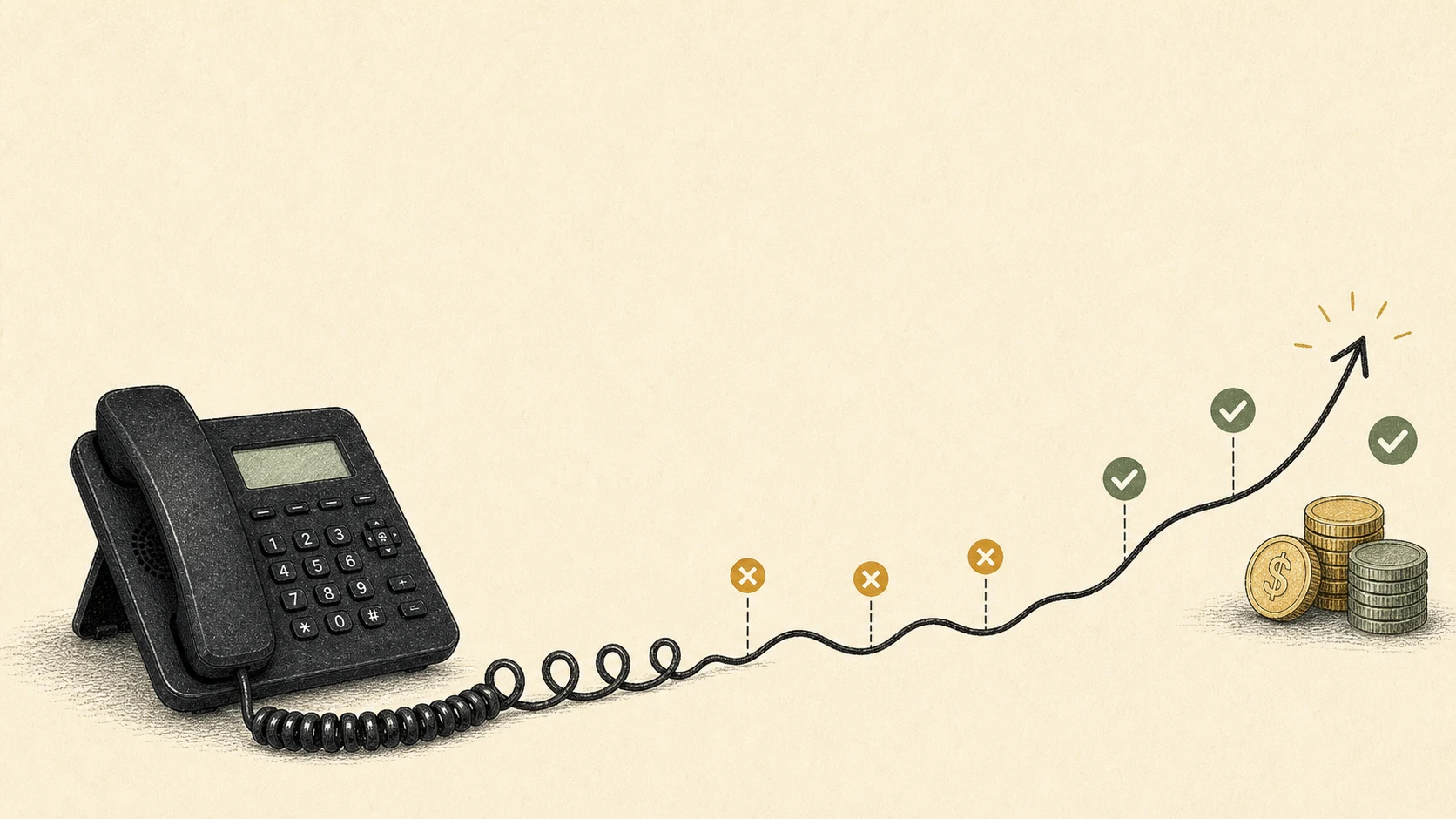
If the phone is where new customers usually start, missed calls quietly tax the business. The cost shows up later, in empty calendar slots, slower weeks, and customers who booked with someone else before you had a chance to call back.
An AI receptionist can save money in two ways: it can reduce what you spend to answer calls, and it can protect revenue that would otherwise leak through voicemail, slow callbacks, or after-hours gaps. The exact number depends less on the AI and more on your call volume, average customer value, and how many good calls are currently slipping through.
Here is the plain way to estimate it, with conservative math.
Look at the monthly cost first
The most obvious savings are the costs you can reduce or avoid.
A full-time receptionist is useful, but even a modest hourly wage turns into a real monthly expense. The Bureau of Labor Statistics reported a median receptionist wage of $17.90/hour in May 2024. At 40 hours a week, that is roughly $3,100/month before payroll taxes, benefits, hiring, training, sick days, and coverage when the person is already on another call.
For most businesses, this is more nuanced than a receptionist replacement question. A great person at the front desk does more than answer phones. Many small businesses, though, do not need a full-time hire solely for overflow, lunch breaks, weekends, after-hours calls, or the moments when the owner is doing the actual work.
Live answering services can fill that gap, but they are usually priced around receptionist minutes. For example, Ruby’s public pricing lists 50 receptionist minutes at $250/month and 100 minutes at $395/month. That can be worth it if you need a human voice for every call. It can also get expensive if callers mostly need routine answers, booking help, intake, or a fast handoff.
That is where AI receptionist savings usually start: the repeatable front-desk work gets covered at a lower cost, and unusual calls still get routed to a human.
Most businesses use it to cover the gaps around the front desk:
- The call that comes in while everyone is already busy.
- The after-hours caller who wanted to book before morning.
- The lunch-break call that would otherwise hit voicemail.
- The routine question that should not take five minutes from the owner.
- The intake call where the important part is getting the name, need, timing, and callback details right.
For some businesses, the savings are mostly labor savings. For others, they are mostly recovered revenue. The best cases usually have both.
Then count the calls you are losing
Cost savings are only half the story. The bigger number is often the revenue you never see because a caller gave up.
Think about the last few weeks:
- How many calls went to voicemail?
- How many came in after hours?
- How many rang while someone was already helping another customer?
- How many got a callback hours later, after the caller had already found someone else?
Plenty of missed calls have no revenue behind them: spam, wrong numbers, vendors, or existing customers with questions that can wait. The mistake is writing off all missed calls because some of them are noise.
The better question is: how many missed calls were real opportunities?
This is the part worth being strict about. If you miss 40 calls in a month, do not call all 40 “lost customers.” Pull out the junk first. Spam, vendors, wrong numbers, appointment reminders, and existing customers with non-urgent questions should not be counted as new revenue at risk.
What you want is a smaller, more honest number: missed calls from people who might reasonably have booked, ordered, requested a quote, or taken the next step if someone had answered.
That number is usually uncomfortable enough on its own.
Use the missed call calculator
LobbyStack has a missed call revenue calculator for this exact reason. It uses a formula:
monthly revenue at risk =
missed calls per week x 4.3 x opportunity rate x booking rate x average job or order value
Here is a conservative example for a small business:
- 8 missed calls per week
- 40% are real opportunities
- 30% of those would have booked or bought
- $300 average booking or order value
That works out to about $1,238/month in revenue at risk.
That $1,238 is revenue at risk, not guaranteed revenue. Some callers will still be a poor fit. Some will change their mind. Some would have called back anyway.
But if better answering recovers even 25% to 50% of that leak, the business is looking at roughly $310 to $619/month in protected revenue before subtracting the software cost.
That is the number worth paying attention to.
A more realistic worked example
Say a local service business misses about 35 calls in a month. After reviewing caller ID, voicemail, and call notes, the owner decides only 15 of those were likely new-customer opportunities. The rest were spam, vendors, existing customers, or calls with little chance of becoming paid work.
Of those 15 good missed calls, maybe five would normally become booked jobs. The average job is $275.
That puts the missed-call opportunity at:
5 likely bookings x $275 average job value = $1,375/monthNow make the recovery estimate boring on purpose. Assume better answering only saves 30% of that. That is about $413/month in recovered revenue.
If the AI receptionist costs $30 to $100/month, the return can still make sense. One or two extra good bookings can cover the month.
This is why average customer value matters so much. A $45 order, a $900 emergency job, a $2,500 project, and a repeat customer all lead to different ROI.
Subtract the AI receptionist cost
Once you know the revenue at risk, compare it against the monthly cost of coverage.
With LobbyStack’s pricing, you can start free with 30 voice minutes per month. Starter is $30/month, or $24/month when billed annually, and includes 150 voice minutes. Pro is $100/month, or $80/month when billed annually, and includes 500 voice minutes.
For the example above, a business recovering even one $300 customer from missed calls has likely paid for the month. Recovering two starts to make the math feel obvious.
The cleaner ROI formula is:
net monthly impact =
recovered revenue + avoided answering cost - AI receptionist cost
So if you protect $450/month in revenue, avoid $150/month in outside answering help, and pay $30/month for software, the net impact is about $570/month.
Use your own numbers. If your average sale is $40 and most missed calls are not urgent, the savings may be modest. If your average job is $500, $1,000, or more, even a few recovered calls can matter.
Where the savings actually show up
Answering more calls is only part of the value. The admin work around missed calls is where a lot of time disappears.
Every missed call creates a little pile of follow-up work: listen to the voicemail, write down the number, call back, leave your own voicemail, try again later, remember what the caller needed, and hope they did not already move on. None of that feels dramatic in the moment. Across a month, it becomes real administrative time.
An AI receptionist can help by:
- Answering before callers hit voicemail.
- Asking consistent intake questions.
- Capturing names, numbers, preferred times, and the reason for the call.
- Booking routine appointments when your rules allow it.
- Sending a call summary so the handoff is not based on memory.
- Routing urgent calls differently from routine ones.
Speed matters here. A callback two hours later often loses to an answer in the moment. Many customers are busy, and the next business that answers removes another task from their day.
AI receptionist vs answering service vs hiring
The best option depends on what callers need from the first conversation.
| Option | Best fit | Watch out for |
|---|---|---|
| AI receptionist | Routine questions, intake, booking, after-hours coverage, overflow | Not every situation should be automated |
| Answering service | Calls that need a live human but not someone inside your business | Minute-based pricing can climb as volume grows |
| In-house receptionist | High-touch environments where the front desk handles many kinds of work | Payroll, coverage gaps, training, and backup coverage |
For many small businesses, the practical question is which calls need human judgment and which calls need a fast, accurate first response.
If a caller needs judgment, escalation, or a sensitive conversation, route them. If they need hours, pricing basics, appointment options, intake, or a callback, automation may be enough to keep the opportunity alive.
When it is probably worth it
An AI receptionist tends to make financial sense when a few of these are true:
- Your team misses calls during business hours.
- You get calls after hours or on weekends.
- Customers often need the same answers before they book.
- Speed matters because callers compare options.
- You spend time listening to voicemails and calling people back.
- One booked job, appointment, or order is worth more than the monthly plan.
It is especially useful for calls where the next step is clear: answer a question, collect details, book an appointment, send a summary, or route an urgent caller.
Repeatable call flows give an AI receptionist more opportunities to save money. If you already know the five questions your staff asks every new caller, you have a good starting point.
When it might not save much
It is also worth being honest about the cases where the savings may be small.
If you only get a few calls per month, answer nearly all of them, and your average customer value is low, the financial return may not be dramatic. You might still want better coverage, but the decision is more about convenience than savings.
If most calls require a licensed professional, a custom quote, or a sensitive human conversation, an AI receptionist should collect context, set expectations, and hand off cleanly.
The useful part is coverage. Good callers get a response before they vanish.
There is also a trust question. If callers expect a highly personal conversation from the first second, automation should be used carefully. A bad implementation can feel like a wall. A good one should feel like a helpful first step: brief, clear, and honest about when a person will follow up.
The goal is to prevent reachable opportunities from dying in voicemail.
Estimate your savings
Use this five-minute worksheet:
- Count missed calls per week.
- Remove spam, vendors, and calls that were never real opportunities.
- Estimate how many real opportunities usually book or buy.
- Multiply by your average job, appointment, order, or customer value.
- Estimate what percentage better answering could realistically recover.
- Subtract the AI receptionist plan cost.
Or skip the spreadsheet and use the missed call calculator.
If you are unsure about the recovery percentage, start low. Try 10%, 25%, and 50% and see where the decision changes. If the numbers only work at 80% recovery, the case is probably too optimistic. If they work at 10% or 25%, the downside is clear.
It also helps to separate three numbers:
- Admin savings: time you no longer spend answering routine calls or chasing voicemails.
- Recovered revenue: good opportunities that get handled before they disappear.
- Avoided cost: money saved on extra answering coverage, missed-call callbacks, or overflow support.
Put those together and the decision gets clearer. The product is coverage for a specific leak in the business.
FAQs
Is an AI receptionist cheaper than an answering service?
Usually, yes, especially for routine call answering, intake, and appointment booking. A human answering service can still be the better choice when every call needs a live person. The real question is whether you need human judgment on every call, or reliable coverage for the repeatable calls that happen all day.
How do I calculate AI receptionist ROI?
Add the revenue you expect to recover from missed calls to any answering costs you reduce, then subtract the AI receptionist cost. Keep the first estimate conservative. It is better to be pleasantly surprised than to build a business case on fantasy math.
Does an AI receptionist recover every missed call?
No. Some callers are not ready to book, unqualified, outside your service area, or a poor fit. The point is to recover a realistic share of the good calls by answering faster, collecting the right details, and making the next step clear.
What if most of my missed calls are spam?
Then the savings will be lower. Filter missed calls before doing the math, and base the estimate on likely customers.
How many missed calls do I need before an AI receptionist pays for itself?
It depends on your average customer value. If one booked job is worth $300 and the plan costs $30 to $100/month, recovering even one extra customer can pay for the month. If each customer is worth much less, you will need more recovered calls or meaningful admin savings.
Will customers care that it is AI?
Some will, especially if the call feels evasive or trapped. Most care more about whether they receive prompt help. Be clear, keep the flow short, and hand off to a person when the caller needs judgment, urgency, or a real conversation.
The short answer
For many small businesses, an AI receptionist can save anywhere from a few dozen dollars a month in admin time to hundreds or thousands in protected revenue. The businesses that see the clearest return usually have valuable calls, busy staff, and a real coverage gap.
The best way to find your number is to run your calls through the missed call revenue calculator, compare the result to the pricing, and decide whether the next missed call is worth covering. For vendor evaluation, pair this with how to choose an AI receptionist and build or buy an AI receptionist.