
Should you build or buy an AI receptionist?
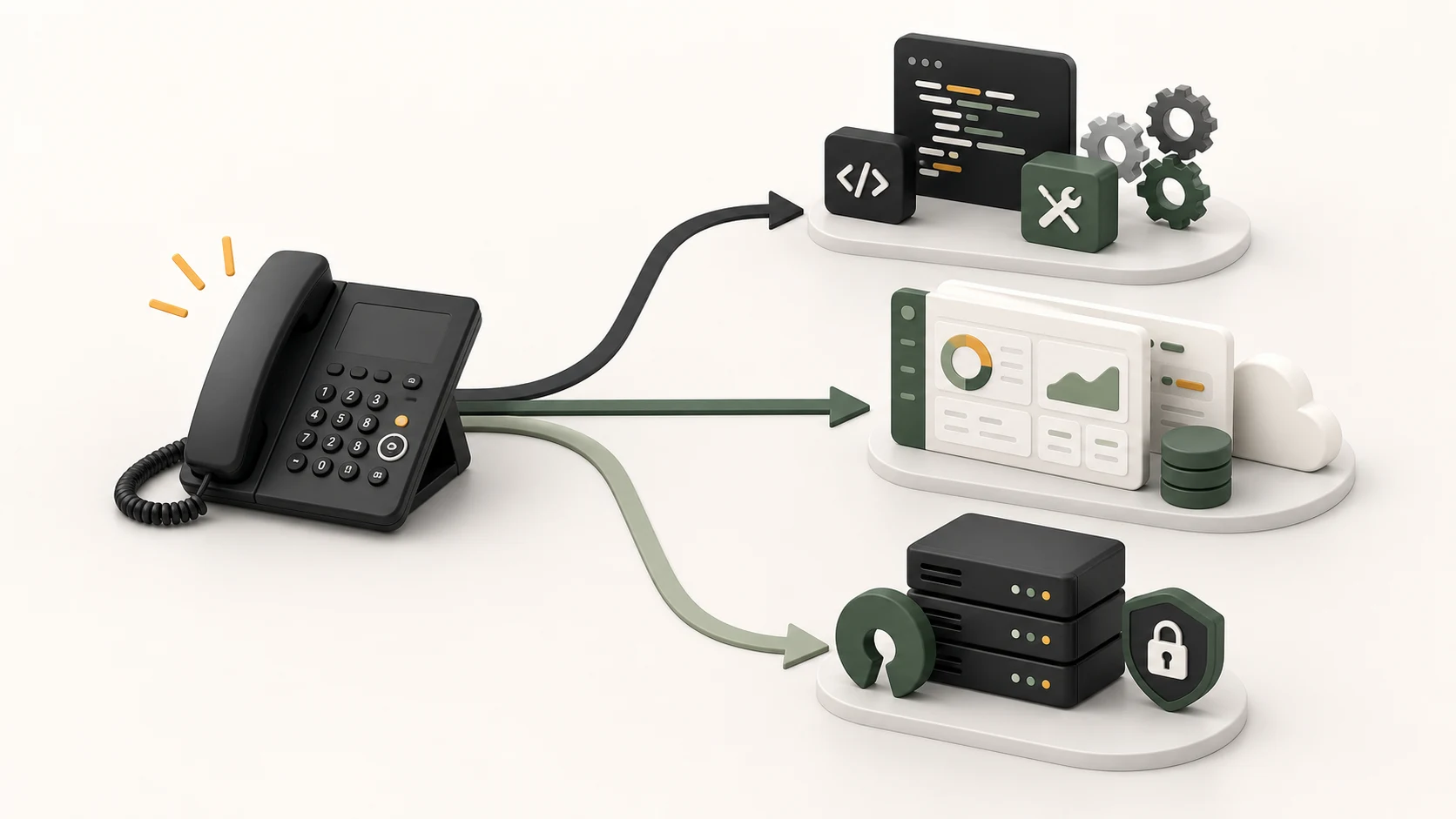
Should you build AI receptionist software yourself, or use something that already exists? The practical question is whether you save money or create another system someone must maintain every week.
That is the part most build-vs-buy conversations skip. A working demo can be fast. A receptionist that handles real callers, books cleanly, escalates safely, survives provider failures, and does not embarrass the business is a different thing.
This guide is for teams weighing the real tradeoff: build from the ground up, buy a hosted AI receptionist, or start from an open-source base like LobbyStack and self-host it.
The short answer: do not start with code
If you are deciding whether to build or buy an AI receptionist, start with your calls, not your stack.
Write down:
- How many calls you get in a normal month.
- How many calls happen after hours.
- How many calls become bookings, quotes, orders, or urgent handoffs.
- Which calls are routine enough to automate.
- Which calls should never be handled without a person.
- Which systems need to be updated after a good call.
- Who will review transcripts and fix mistakes.
If you cannot answer those questions, building will not make the problem clearer. It will move the uncertainty into code.
The important question is not “Can an AI answer the phone?” It can. The better question is: what should happen after the caller says something messy, specific, or risky?
A salon mostly needs booking and rescheduling. A plumber may need emergency routing at midnight. A dental office needs careful intake and privacy controls. A law firm may want qualification, but not legal advice. A restaurant may want reservations, wait times, and menu answers. Those are not the same product, even if they all start with a phone call.
Before you choose a path, decide what success looks like:
successful call =
prompt answer + correct understanding + completed next step + safe handoff when needed
That standard makes the build vs buy AI receptionist decision much less abstract.
What building from scratch requires
A custom AI receptionist is more than a prompt connected to a phone number.
At minimum, you are building or wiring together:
- Phone numbers, call forwarding, SIP or carrier configuration.
- Real-time audio streaming between the caller, your server, and the model.
- Speech handling, interruptions, silence, call endings, and latency control.
- Business rules for hours, services, pricing, locations, and escalation.
- Calendar, CRM, dispatch, reservation, or practice-management integrations.
- Call summaries, recordings, transcripts, retention, and deletion.
- Admin tools so non-engineers can update business knowledge.
- Monitoring for dropped calls, failed tool calls, timeouts, and bad handoffs.
- Test calls for accents, noise, vague callers, angry callers, spam, and emergencies.
This is why a phone agent appears contained until it meets real customers. A phone agent is production software the moment a real customer calls it.
The raw infrastructure can look cheap on paper. Twilio Voice pricing lists US local inbound calling in fractions of a cent per minute, plus phone number and add-on costs. OpenAI API pricing publishes realtime audio model pricing separately from text models. Those rates matter, but they are not the whole bill.
The bigger cost is usually the human time around the system:
- Who keeps prompts current when hours or services change?
- Who fixes the calendar flow when the booking tool fails mid-call?
- Who reviews calls where the AI sounded confident but was wrong?
- Who handles provider outages, token limits, slow audio, and weird carrier behavior?
- Who documents compliance choices around recording, consent, and data retention?
Compliance is not a footnote either. The FCC’s AI voice TCPA ruling confirmed that TCPA restrictions on artificial or prerecorded voice include AI-generated human voices, which matters for outbound calls, reminders, and automated follow-up. Healthcare, dental, therapy, and similar businesses also need to think about ePHI, vendor agreements, and safeguards; HHS cloud guidance is a useful starting point for understanding those responsibilities.
When it makes sense to build AI receptionist software
Building can be the right choice when the phone workflow is strategic, unusual, or deeply tied into your product.
It may make sense if:
- You already have an engineering team.
- You need integrations no vendor supports.
- You want full control over models, prompts, trunks, data storage, and retention.
- You have strict infrastructure or residency requirements.
- You will reuse the system across many locations, clients, or internal workflows.
- The receptionist experience is part of your competitive advantage.
If that is you, building is not foolish. It is a real software project. Treat it like one. Budget for discovery, QA, observability, security review, maintenance, and the second version you will need after the first 100 messy calls.
If you mainly need missed-call coverage, appointment booking, FAQs, intake, and clean handoffs, building from zero is usually a slow way to solve a solved problem.
What you get when you buy an AI receptionist
The best argument for buying is speed.
A hosted AI receptionist can often answer calls the same day or same week. You connect a number, add your hours and services, set routing rules, test common call types, and start with after-hours or overflow coverage. You also get a vendor that owns the boring platform work: uptime, call infrastructure, model updates, monitoring, support, and common integrations.
That has real value. Most businesses do not want to become telephony companies by accident.
Buying is usually best when:
- You need coverage now.
- Your calls are common enough for an existing product.
- You want support during setup.
- You are comfortable with the vendor’s workflow.
- You would rather pay a subscription than own infrastructure.
The tradeoff is control. A closed hosted tool may not let you inspect how calls are routed, version your rules, bring your own model provider, export everything cleanly, or self-host later. Some products reduce initial setup but make migration difficult.
Pricing also needs careful reading. “AI receptionist pricing” can mean monthly subscription, per minute, per call, per agent, per location, per unique caller, per SMS segment, per integration, or per overage. Live virtual receptionist services use yet another model. For context, Ruby’s public pricing lists virtual receptionist plans by included receptionist minutes, with 50 minutes at $250/month and 100 minutes at $395/month at the time of writing.
That may be worth it when every call needs a trained human. It may be more than you need when most callers ask repeatable questions, book standard appointments, or need a fast message and callback.
The cheapest option on a pricing page is not always the cheapest option after six months of edge cases. Before buying, ask:
- What counts as billable usage?
- Are spam calls or brief calls charged?
- What happens when the AI is unsure?
- Can it transfer to a human with context?
- Can you export recordings, transcripts, summaries, and contacts?
- Can you port the phone number away?
- Can you update rules without waiting on support?
- What happens when an integration fails?
Also be wary of overconfident AI claims. The FTC’s deceptive AI claims release is a good reminder that there is no magic exemption for unsupported promises. A vendor should be able to explain limits, handoffs, and failure modes without hiding behind a demo.
The third option: start from open source
There is a middle path between “build every piece yourself” and “trust a black box.”
You can start from an open-source AI receptionist and self-host it when you need more control. That is where LobbyStack fits.
LobbyStack is an open-source AI receptionist for businesses that depend on phone calls and bookings. It gives you a working base for call answering, business knowledge, appointment booking, human handoff, transcripts, summaries, and configurable rules without forcing you to begin with a blank repo.
The important phrase is “working base.” Open source does not remove maintenance. It moves the maintenance into your control.
With a self-hosted AI receptionist, you can:
- Run the stack on infrastructure you control.
- Inspect how calls are handled.
- Customize prompts, intake rules, routing, and escalation.
- Connect provider accounts under your own control.
- Keep tighter control over recordings, transcripts, and retention.
- Adapt the workflow around your business instead of waiting on a vendor roadmap.
That is useful for agencies, regulated teams, technical operators, franchises, or businesses with unusual routing. It is also useful if you like the speed of an existing product but do not want your phone workflow trapped inside a closed system.
The honest tradeoff is ownership. Someone still needs to deploy it, monitor it, update it, test call flows, rotate secrets, and manage provider accounts. Self-hosting is not the same as doing nothing. It is a way to avoid starting from scratch while keeping the steering wheel.
For many businesses, the practical path is staged:
- Start with hosted software to validate the call workflow.
- Move to self-hosted or open-source when control, privacy, cost, or customization demands it.
- Build custom pieces only where the business truly needs something unique.
That approach keeps the first decision small. You can learn from real calls before committing to months of custom engineering.
Compare the real cost over the first year
Do not compare options only by monthly subscription. Compare first-year ownership.
For a ground-up build, use:
year_one_build_cost =
engineering_hours x loaded_hourly_rate
+ provider_usage
+ hosting
+ compliance_review
+ maintenance_hours x loaded_hourly_rate
That can still be the right call, but it should be a conscious one. A few weeks of developer time can cost more than a year of hosted software. If you hire a contractor, include future dependency on that contractor. If you use internal engineers, include the opportunity cost of not building something closer to your core business.
For a hosted product, use:
year_one_buy_cost =
monthly_subscription x 12
+ setup_fees
+ overages
+ add_ons
+ switching_or_migration_cost
The subscription is only part of the number. Overages, locations, phone numbers, SMS, recordings, premium support, and custom workflows can matter. So can the cost of leaving later if your call history, rules, and numbers are hard to move.
For open-source or self-hosted, use:
year_one_self_host_cost =
setup_hours x loaded_hourly_rate
+ hosting
+ provider_usage
+ maintenance_hours x loaded_hourly_rate
+ optional_support
This is often the most misunderstood option. It is not free, because your time is not free. But it can cost less than building from zero, offer more flexibility than a closed vendor, and support direct review when call data is sensitive.
Use your own call volume too. A business that gets 40 short calls a month has a different answer than a multi-location team taking hundreds of booking, dispatch, and after-hours calls. If missed calls are the main reason you are considering this, run the numbers with the missed call revenue calculator before spending money either way.
It also helps to compare against human coverage. The Bureau of Labor Statistics lists 2024 median receptionist pay at $37,230/year, or $17.90/hour, before payroll taxes, benefits, hiring, training, and coverage gaps. That number is useful, but it should not be abused. A good human receptionist does far more than answer routine calls. The real question is which calls need a person and which calls need a fast, accurate first step.
How to decide
Use this as the blunt version.
| Path | Best fit | Watch out for |
|---|---|---|
| Build from scratch | You have engineering capacity, unusual workflows, strict integration needs, and phone automation is strategic. | Slow first launch, hidden maintenance, compliance work, provider failures, and ongoing QA. |
| Buy hosted | You need prompt coverage and your calls fit a vendor’s existing workflow. | Vendor lock-in, opaque routing, pricing limits, export limits, and less customization. |
| Self-host LobbyStack | You want an open-source starting point, data control, customization, and the option to inspect or modify the stack. | You still need someone to own deployment, upgrades, monitoring, and provider setup. |
| Hybrid | You want AI for routine calls and humans for urgent, emotional, complex, or high-value calls. | You may pay for both software and human coverage, so routing rules need to be clear. |
The decision usually comes down to one sentence:
Build for maximum control, buy for maximum speed, self-host for a head start without giving up control.If nobody in the business can explain what the receptionist should do with an angry caller, a vague pricing question, or a sensitive request, code will not fix that. Start by defining the workflow.
If your workflow is common and you need calls answered now, buy or try a hosted tool.
If your workflow is unusual, regulated, or important enough to own, look hard at open source before building from nothing. For a landscape view of self-hosted options, see the best open-source AI phone answering services comparison.
If you want a practical place to start, review LobbyStack’s features, compare LobbyStack pricing, and look at the open-source AI receptionist and self-hosted AI receptionist options. If you are still early in vendor evaluation, this companion guide on how to choose an AI receptionist can help you test products with real call scenarios. If you are tempted to wire n8n or Zapier into live calls, read AI receptionist workflows without flowcharts first.
The short version:
- Build when the receptionist workflow is strategic and you can maintain it.
- Buy when speed and support matter more than deep control.
- Self-host LobbyStack when you want a real starting point without accepting a black box.
The best AI receptionist is not the one with the flashiest demo. It is the one your business can trust, update, inspect, and afford after the first month is over.